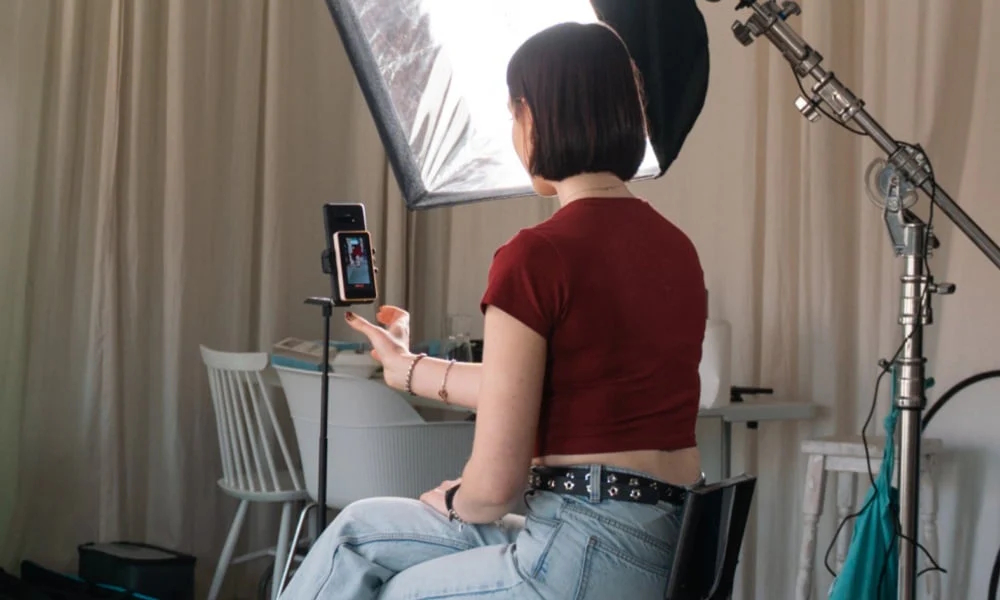
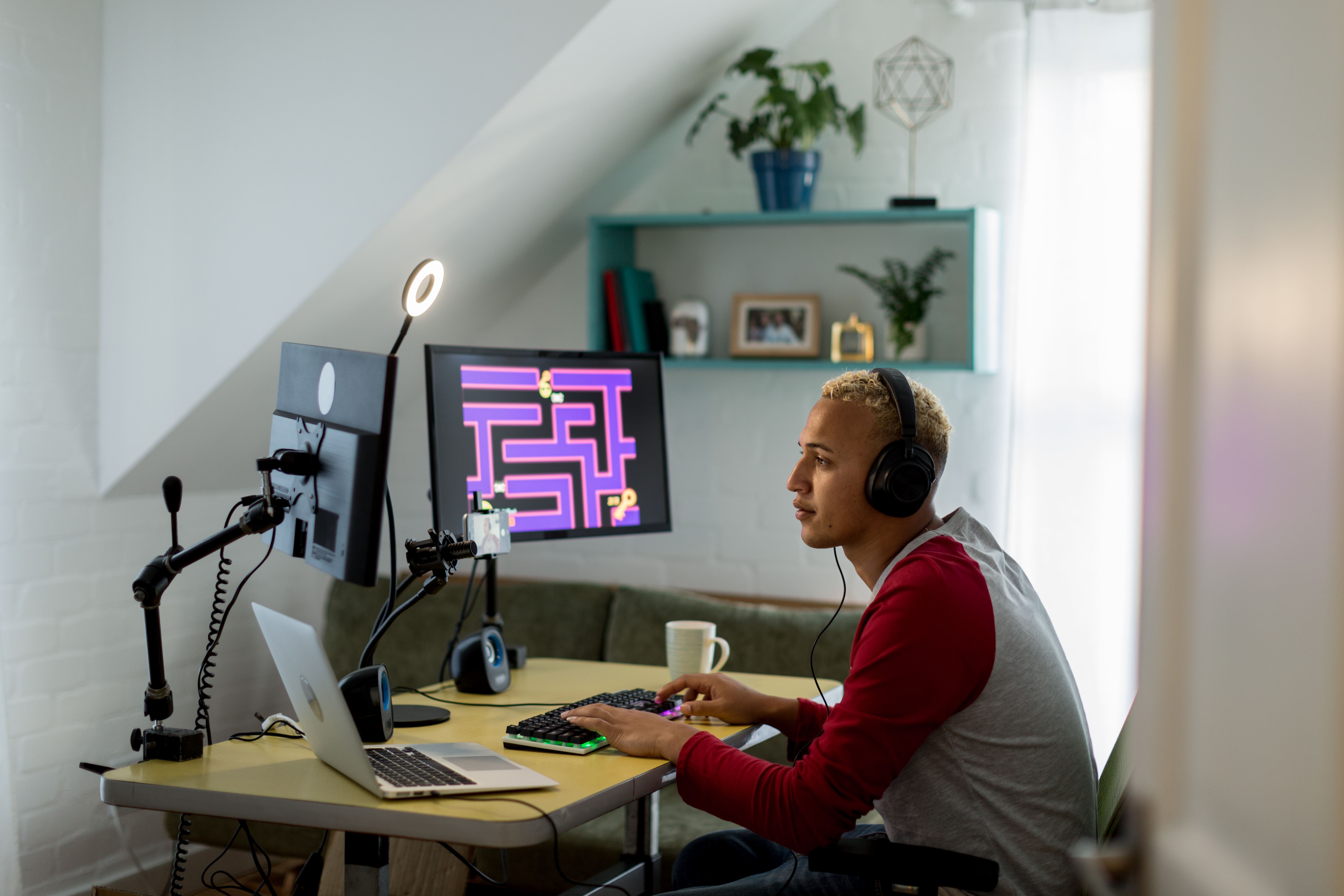
For a long time, TikTok was seen as a "mobile-only" fortress. However, as the platform evolves into a professional broadcasting hub in 2026, more creators are asking: Can you stream on TikTok Live without a phone? The answer is a resounding yes. While the mobile app remains the most common way to go live, professional streamers, gamers, and educators are increasingly moving to desktop setups for better production quality. Here is everything you need to know about streaming from your computer this year.
How to Stream TikTok Live from PC or Mac in 2026?
1. TikTok Live Studio: The Native Windows Solution
TikTok has developed its own dedicated broadcasting software called TikTok Live Studio. It is designed specifically for Windows users and provides a seamless experience for those who want to move away from their phones.
-
Features: It supports scene customization, screen sharing (perfect for gaming), and native integration with TikTok’s alerts and chat.
-
Requirement: Typically, you still need to meet the follower threshold (usually 1,000 followers) to unlock access to this software.
2. OBS Studio & RTMP Access
If you are looking for professional-grade production, OBS Studio is the industry standard. In 2026, many TikTok creators have access to their "Stream Key" and "Server URL" directly in the TikTok Live desktop dashboard.
-
Why use OBS? It allows for complex overlays, multiple camera angles, and advanced audio mixing that a phone simply cannot handle.
-
The Mac Alternative: Since TikTok Live Studio is primarily focused on Windows, Mac users almost exclusively use OBS to stream to TikTok.
3. Using a Web Browser (Direct Upload)
TikTok's desktop website has expanded its "Go Live" capabilities. For simple "Just Chatting" sessions or webinars, you can now start a broadcast directly through a Chrome or Edge browser using your computer's built-in webcam and microphone. This is the closest experience to "phone-free" streaming without installing extra software.
4. Professional Gaming Consoles
With the integration of TikTok into major gaming ecosystems, many players now stream directly from their PlayStation or Xbox consoles using third-party cloud tools like Lightstream or Restream. These services act as a bridge, taking your console feed and pushing it to TikTok Live without a phone ever being involved.
The Requirements to Ditch the Phone
Even if you have the best PC, TikTok still enforces certain "trust" rules before granting desktop access:
-
Account Standing: Your account must be in good standing with no recent community guideline violations.
-
Follower Count: While the "1,000 followers" rule is the standard, some regions and accounts in 2026 get early access to TikTok Live Studio with as few as 500 followers if they post high-quality original content.
-
Age Verification: You must be 18 or older to access desktop streaming and monetization features.
Why Move to a Desktop Setup?
-
Stability: A wired Ethernet connection is always more reliable than Wi-Fi or 5G.
-
Quality: Using a DSLR camera or a high-end webcam (like the Insta360 Link 2) offers a visual experience that outperforms mobile sensors.
-
Multitasking: You can monitor your chat on one screen while playing a game or showing a presentation on the other.
Read also: Best Software for TikTok Live Streamers in 2026: Top Tools for Growth
Streaming on TikTok Live without a phone isn't just possible; in 2026, it's the preferred method for anyone serious about building a high-production brand. Whether you choose the user-friendly TikTok Live Studio or the powerful OBS Studio, moving to a desktop environment opens up a world of creative possibilities. Ready to upgrade your stream? Check your desktop dashboard today to see if you’ve unlocked your Stream Key!