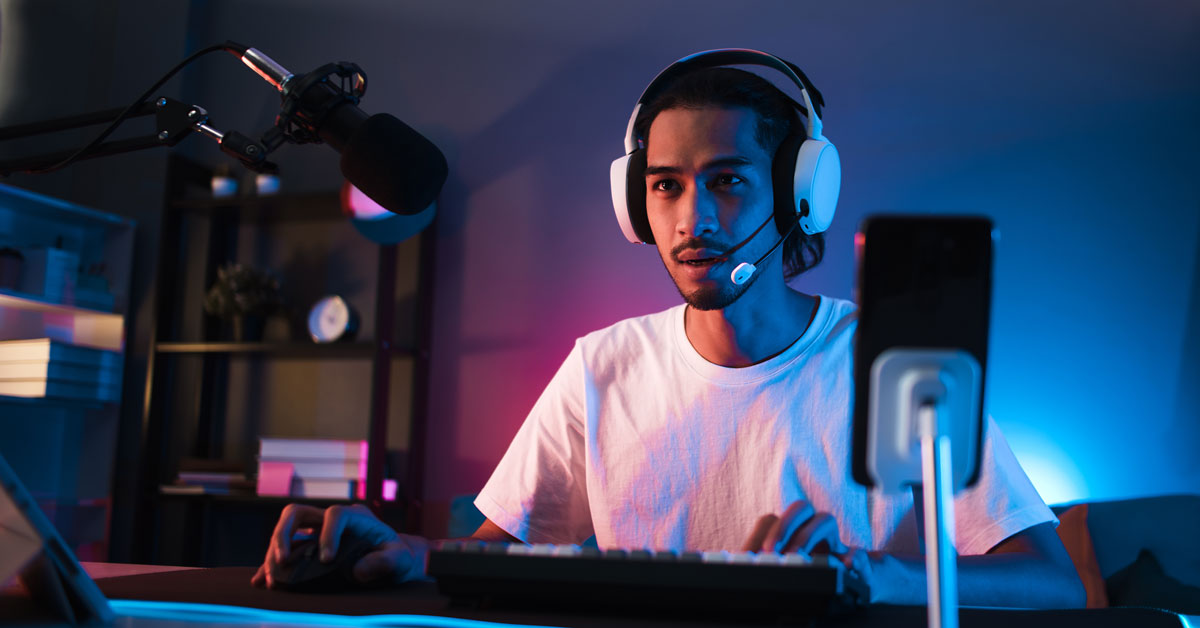
In the competitive world of content creation, being in two places at once is no longer a luxury—it’s a necessity. Multi-streaming (simulcasting) to both TikTok LIVE and Instagram allows you to double your reach, engage different segments of your audience, and maximize your "Hours Watched" metrics without doubling your workload.
Here is how you can master the dual-platform broadcast in 2026 using professional tools and mobile-first strategies.
Why multi-stream to TikTok and Instagram?
Before diving into the "how," it's important to understand the "why." Statistics show that creators who broadcast to multiple platforms simultaneously see a 35-50% increase in total viewership.
-
TikTok is king for viral discovery and reaching a new, global audience.
-
Instagram is ideal for deepening relationships with your core, established community. By combining them, you capture the entire funnel—from discovery to loyalty.
How to multi-stream with OBS Studio for professional setup?
This is the gold standard for high-production broadcasts. If you have a TikTok Stream Key, this method offers the most control over your layout and branding.
1. Optimize for Vertical Video (9:16)
Both platforms are vertical-first. In OBS, go to Settings > Video and set your Base and Output resolutions to 1080x1920. This ensures your content fills the entire phone screen for your viewers.
2. Using the Multiple RTMP Output Plugin
Instead of running two instances of OBS, install the "Multiple RTMP outputs" plugin.
-
Set your primary output to TikTok using your Stream Key.
-
Add a new target in the plugin for Instagram Live Producer.
-
This setup allows you to send one encoded stream to two destinations, significantly saving your PC’s CPU and GPU resources.
What are the easiest cloud services for multi-streaming?
If you are streaming from a laptop or don't want to manage complex plugins, cloud services like Restream.io, Prism Live Studio, or Streamlabs Ultra are the most efficient choices.
-
How it works: You send a single high-quality feed to the cloud server, which then replicates and distributes it to TikTok and Instagram.
-
Benefits: This protects your home internet connection. If your local Wi-Fi flickers, the cloud server maintains the connection to the platforms, preventing your stream from cutting out.
How to multi-stream with two phones (low-tech method)?
For "In Real Life" (IRL) creators who are on the move, sometimes the simplest solution is the most reliable.
-
The Hardware: Use a specialized mobile rig or a "T-bar" tripod adapter that holds two smartphones side-by-side.
-
Audio Management: Use a dual-channel wireless microphone system (like a DJI Mic or Rode Wireless) with a splitter so your voice is crystal clear on both devices simultaneously.
-
The Advantage: This method allows you to use platform-specific AR filters and native interactive stickers that aren't available through OBS or cloud tools.
What are the key challenges when multi-streaming?
-
Bandwidth Requirements: Streaming to two platforms requires double the upload speed if you are using Method 1 or 3. Ensure you have at least 15-20 Mbps upload for a stable 1080p experience.
-
Chat Engagement: It's easy to ignore one audience while focusing on the other. We recommend using a combined chat overlay or having a moderator help call out questions from both platforms.
-
Vertical vs. Horizontal: Both TikTok and Instagram are vertical-first. Ensure your camera framing is optimized for the 9:16 ratio so your face isn't cut off on either side.
Simultaneously streaming to TikTok and Instagram is the ultimate "growth hack" for 2026. By removing the barriers between your audiences, you create a cohesive brand presence that exists wherever your fans are. Whether you choose a high-end OBS setup or a simple dual-phone rig, the goal remains the same: be present, stay interactive, and dominate the live feed.
Read also: How to Delete Your TikTok LIVE Account: A Step-by-Step Guide for 2026